

MeshOS module
Monitor machine downtime while production is still running
You often know that a machine or production line has stopped. But do you know exactly when, for how long and what happened just before it? MeshOS makes machine downtime visible in real time: stops, microstops, alarms and deviations are recorded automatically, together with the time, duration, machine and available context, so you no longer have to reconstruct the following morning where production capacity was lost. See what is happening while there is still time to act.
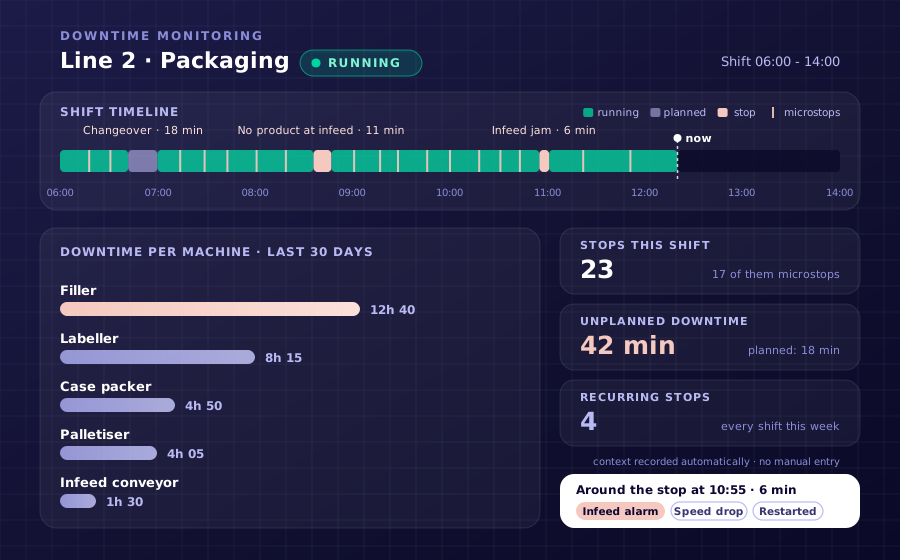
Your line stopped. But nobody knows exactly why.
Machine downtime happens in every factory. The real problem is not knowing why the line stopped or how much production time was lost. In many factories, downtime is still recorded manually: an operator logs a fault, the maintenance team is called, and the main events eventually end up in an Excel file or shift report. Important information is often lost along the way:
By the time the morning meeting starts, the team knows that the line stopped. But what actually happened often still needs to be investigated. MeshOS records events as they happen, so you start with the available machine data, not an assumption.
What do you see with live machine downtime tracking?
MeshOS reads data from existing machines, PLCs and other data sources. This information is brought together in live dashboards, alerts and reports. You see not only that a machine has stopped, but also the available context around the event.
Production optimisation starts with making losses visible
Many manufacturers try to improve production by speeding up processes or adding more capacity. Meanwhile, part of their existing capacity remains unused because of downtime, microstops and speed losses.
If these losses are not recorded clearly, it is difficult to determine where an improvement will have the greatest effect.
Live production monitoring software helps you answer questions such as:
This means improvement actions are no longer based only on instinct or separate reports. You use data from your own factory floor.
- Which machine causes the most downtime?
- Which short stops recur during every shift?
- Where does a changeover take longer than planned?
- Which alarms regularly occur before a stop?
- Which line loses the most available production time?
- Which issues should production and maintenance tackle first?
Increase production capacity without adding new machines straight away
Increasing production capacity does not automatically mean that you need another machine or production line. There may still be unused capacity in the machines already on your factory floor. Short stops, recurring faults, changeovers that take longer than planned and reduced production speeds prevent this capacity from being fully used. By monitoring machine downtime consistently, you can see where time and output are being lost. You can then take targeted action to:
MeshOS does not increase production capacity automatically. It shows where the strongest opportunities are to get more from your existing factory floor.
How MeshOS helps improve production efficiency
More data does not automatically mean more insight. The information needs to reach the right people at the right time. MeshOS brings machine data together in one overview that production, maintenance and management can use.
This is how MeshOS helps improve production efficiency using data from the machines you already operate.
No more separate records for production and maintenance
When production, maintenance and management each work from their own overview, different versions of the same production day emerge. The operator knows what happened on the line. Maintenance knows why the team was called. Management sees a summary later. But nobody has the complete sequence of events in one place. MeshOS gives these teams access to the same production data.
Everyone views the factory floor from a different role, but works from the same data foundation.
Machine monitoring software that works with what you already have
You do not need to replace existing machines to start monitoring downtime.
Meshnex installs a preconfigured edge device near the machine, production line or PLC cabinet. MeshOS reads the available data from existing PLCs and data sources and turns it into useful production information.
Depending on your IT requirements, MeshOS can be deployed as:
The connection to the factory floor is read-only: MeshOS reads data but does not control your machines.
- A cloud solution hosted on European servers.
- A hybrid solution with local data buffering.
- A self-hosted solution on your own infrastructure.
Start with one machine or production line
You do not need to connect the entire factory straight away. Start with a machine or line that regularly experiences downtime, but where the exact causes and patterns are still unclear.
Step 1: we connect the machine
Meshnex installs the edge device and connects MeshOS to the available PLCs and data sources.
Step 2: the first downtime becomes visible
You can see machine status, stops, microstops, alarms and other available production data in a live dashboard.
Step 3: you discover recurring losses
As more data is collected, recurring downtime, deviations and patterns become clearer.
Step 4: you expand where it adds value
Once the first machine provides valuable insights, you can expand MeshOS to more machines, lines, departments or locations.
Proof from the field
Downtime tracked in practice
Real projects on real factory floors.
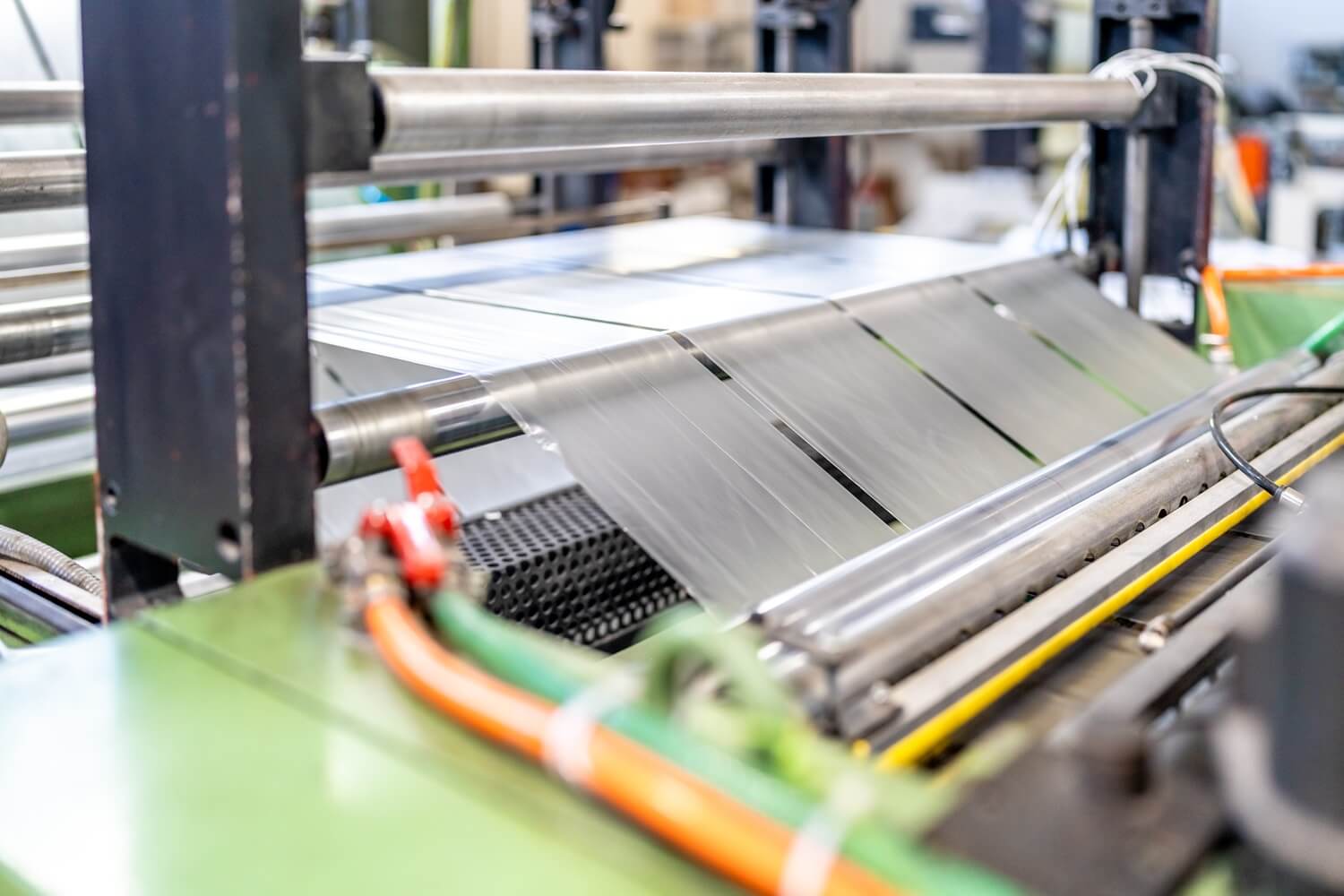 Downtime tracking
 Every stop on the line, counted and classified
Every stop is captured automatically from the PLC and classified: changeover, jam, starvation, microstop. A live Pareto shows where the shift actually went, so improvement starts at the biggest eater of capacity instead of a gut feeling.
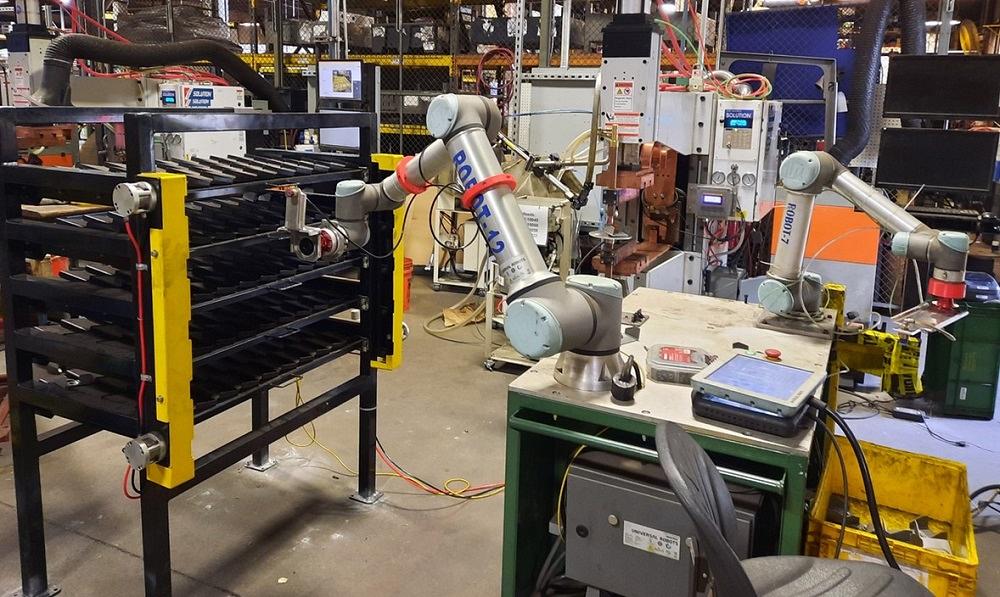 Predictive maintenance
 Failures flagged weeks before the breakdown
Vibration, temperature and current from three critical machines feed an anomaly model that flags deviations weeks before failure. Maintenance planned around production instead of around breakdowns starting with the assets that hurt most, not a full-plant rollout.
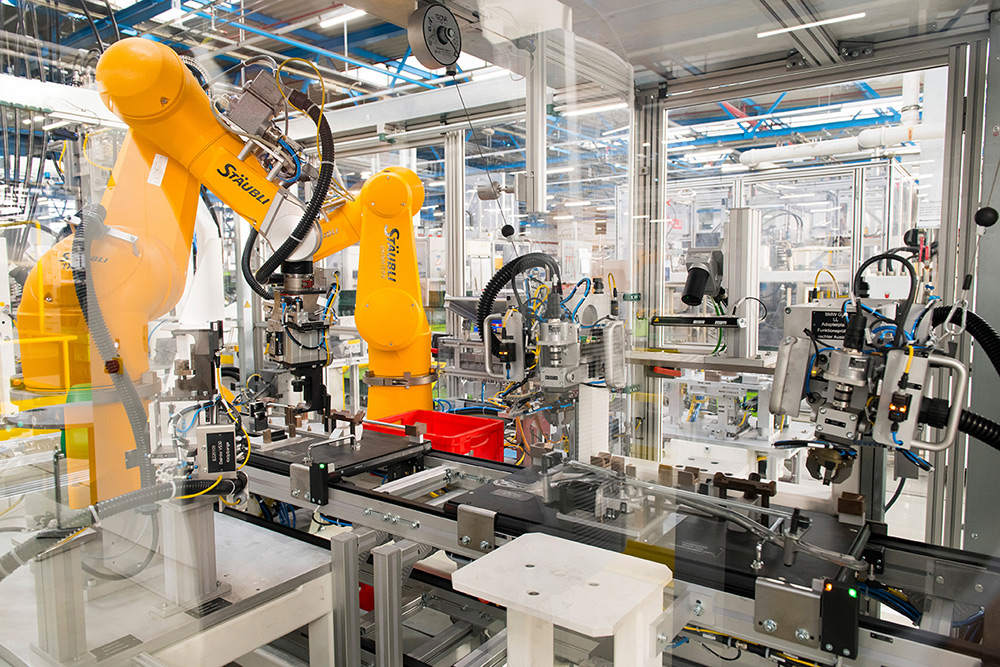 Traceability
 Production data and traceability, from line to IT
Machine data and end-of-line test results securely unlocked into the IT landscape: segmented network, one central data layer, every product digitally traceable. Automotive requirements as the design principle.
Frequently asked questions about machine downtime monitoring
What is machine downtime tracking?
Machine downtime tracking is the automatic monitoring and recording of periods when machines or production lines are not producing. Information such as the time, duration, machine and available context is recorded. This helps you see where production time is being lost and which stops recur.
Can MeshOS automatically determine the cause of every fault?
MeshOS records stops, alarms, deviations and other available machine data. This gives your team more context to investigate the cause more quickly. Not every cause can be determined automatically with certainty: the information available depends on the machines, sensors, PLC data and other data sources on site.
Does MeshOS also record microstops?
Yes. MeshOS can make short stops visible that often do not appear in manual reports. This means you see not only major faults, but also small interruptions that can collectively consume a significant amount of production capacity.
Do we need new machines?
No. MeshOS is designed to work with existing machines, PLCs and data sources. You do not need to replace equipment or carry out major modifications to get started. The data available does depend on your current machines and technical setup.
Does MeshOS control our machines?
No. MeshOS is read-only by default on the factory floor. It reads data but does not send commands back to your machines.
Can we start with one machine?
Yes. You can start with one machine or production line and first assess which data and improvement opportunities become visible. Once the value is clear, MeshOS can be expanded step by step.
How quickly can we see the first data?
In many situations, the first live data can be visible within 48 hours of the on-site installation. The exact lead time depends on the machines, data sources, network provisions and required setup.
See where production stops today
Your machines already produce the data. MeshOS shows where, when and for how long production capacity is being lost. Start with one machine and discover which periods of downtime, microstops and recurring issues are currently hidden from view.